Your firm
Firm setup
Set up the firm, team, clients and how bills arrive.
Help for firms using SureCite · updated 9 November 2026 · All help pages
Before you start
Sign in as the firm’s owner or a person allowed to manage its setup.
Steps
- Open Set up your firm.
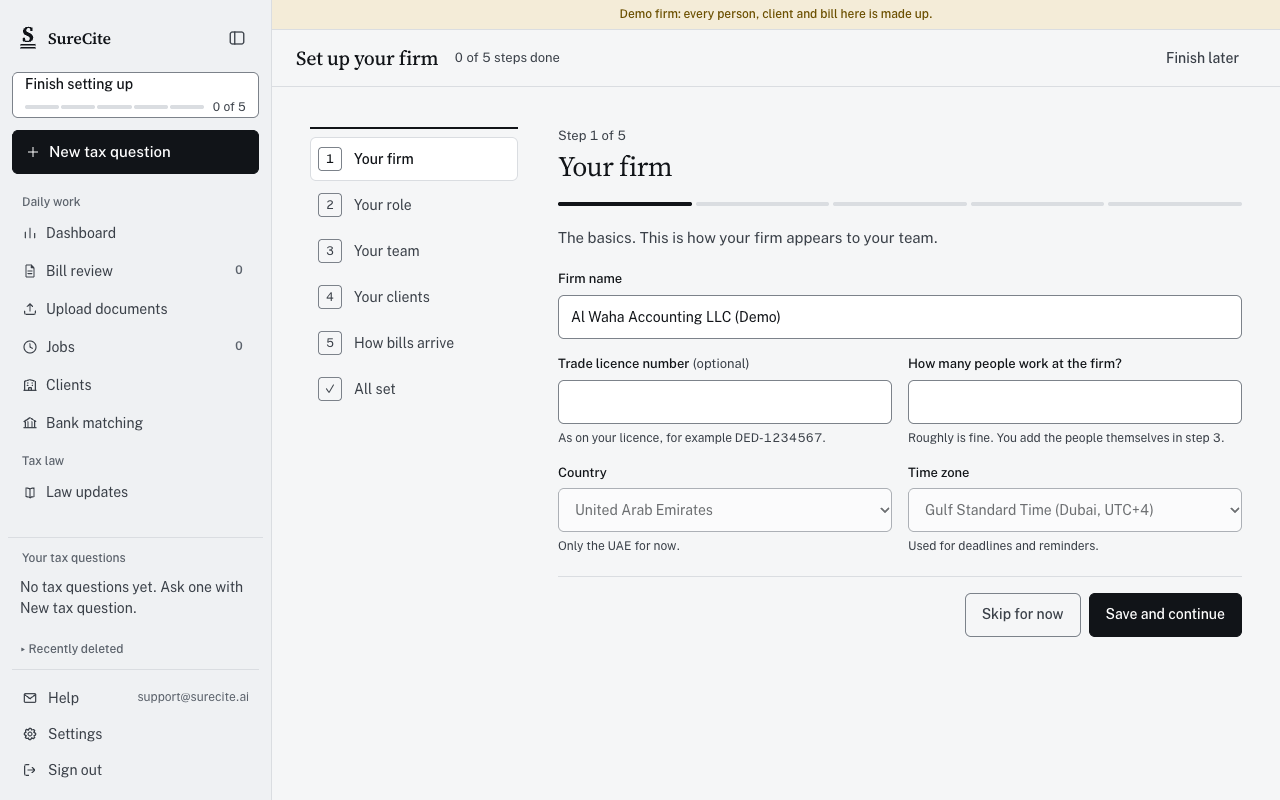
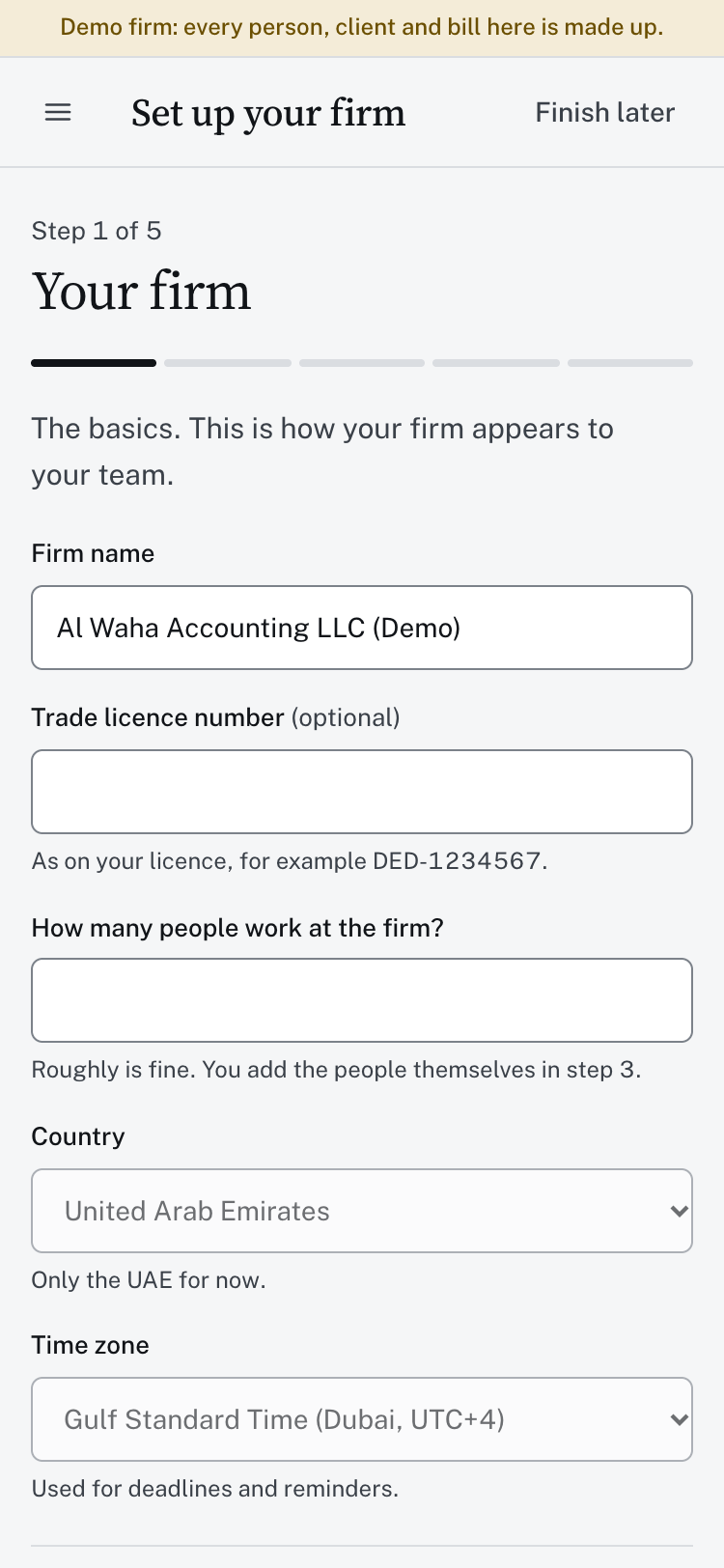
- Enter Firm name, Country and Time zone, then choose Save and continue.
- Follow the team, client and intake steps, using Continue to move on after checking each step.
What you will see
Setup progress and the firm, staff, client and intake details recorded so far.
What it does not do
It does not itself post bills, send invitation emails or provide tax advice.