Bills and books
Upload bills
Read supplier bills into a queue for a person to review.
Help for firms using SureCite · updated 9 November 2026 · All help pages
Before you start
Register the client first and have the supplier bills as PDF or XML files.
Steps
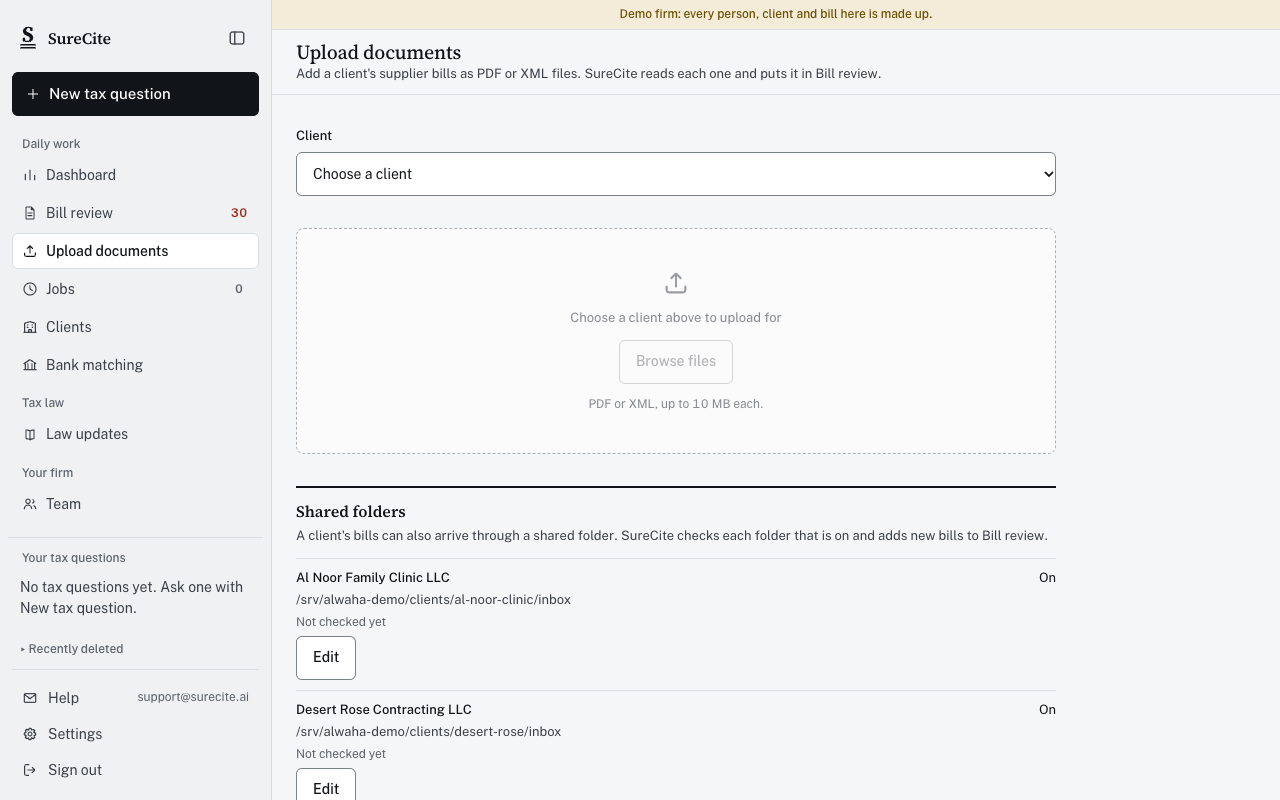
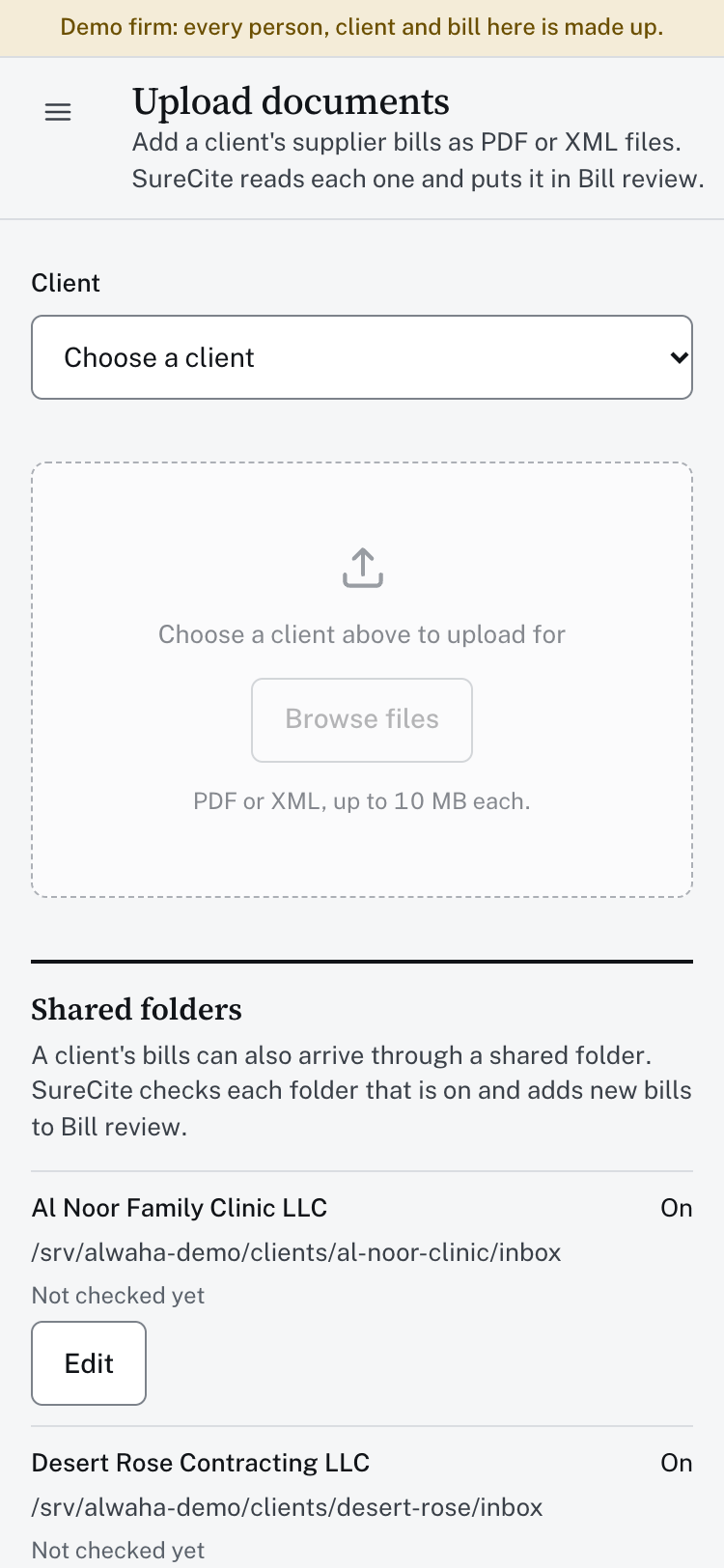
- Open Upload documents and choose the client.
- Choose Browse files or drag the files into the upload area.
- Read the result for each file, then open Bill review.
What you will see
Each file’s reading result and any duplicate information; bills ready for review.
What it does not do
Uploading does not approve or post a bill. Approval and posting happen in Bill review; uploading does not send email.