Your firm
Clients
Maintain the businesses whose books your firm keeps.
Help for firms using SureCite · updated 9 November 2026 · All help pages
Before you start
Have permission to manage clients and the client’s details ready.
Steps
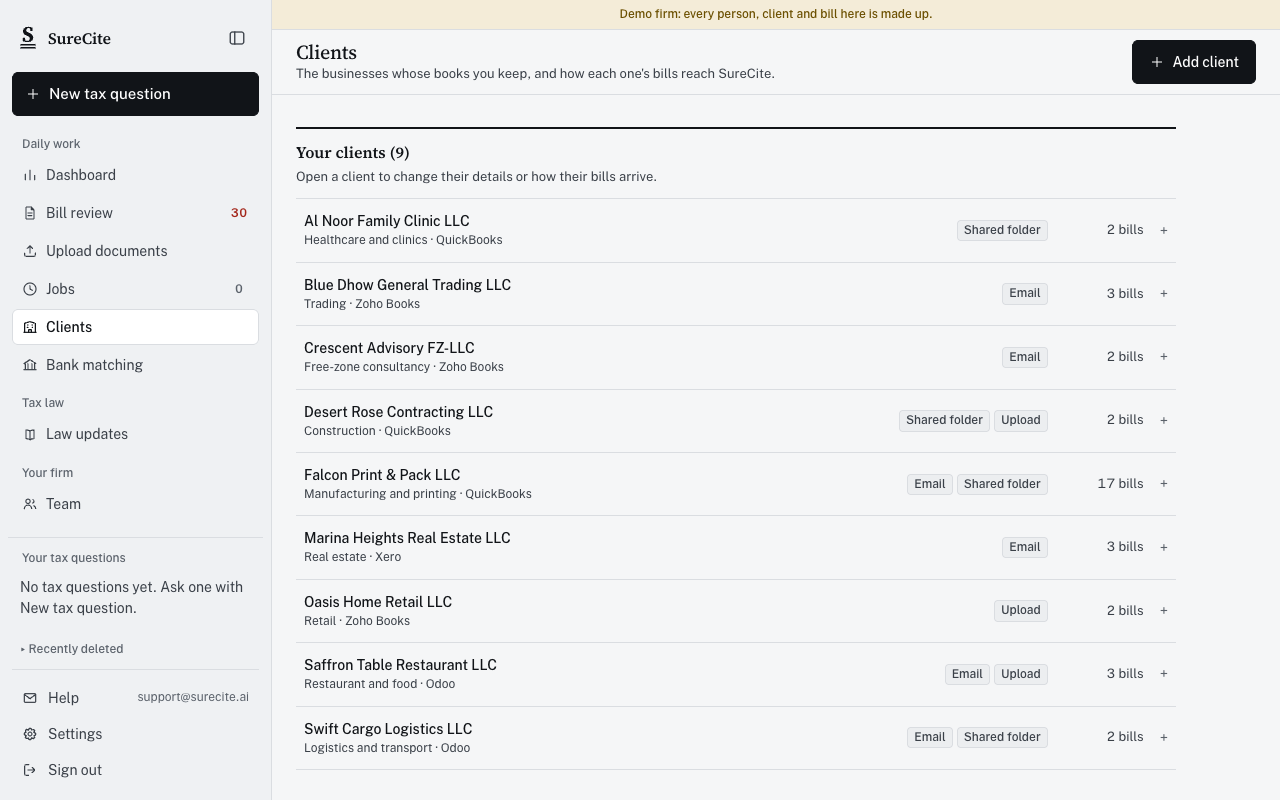
- Open Clients and choose Add client.
- Fill in Client name, TRN if known and the remaining details, then choose Add client.
- Expand the client to inspect Details and use Edit details to change the record.
What you will see
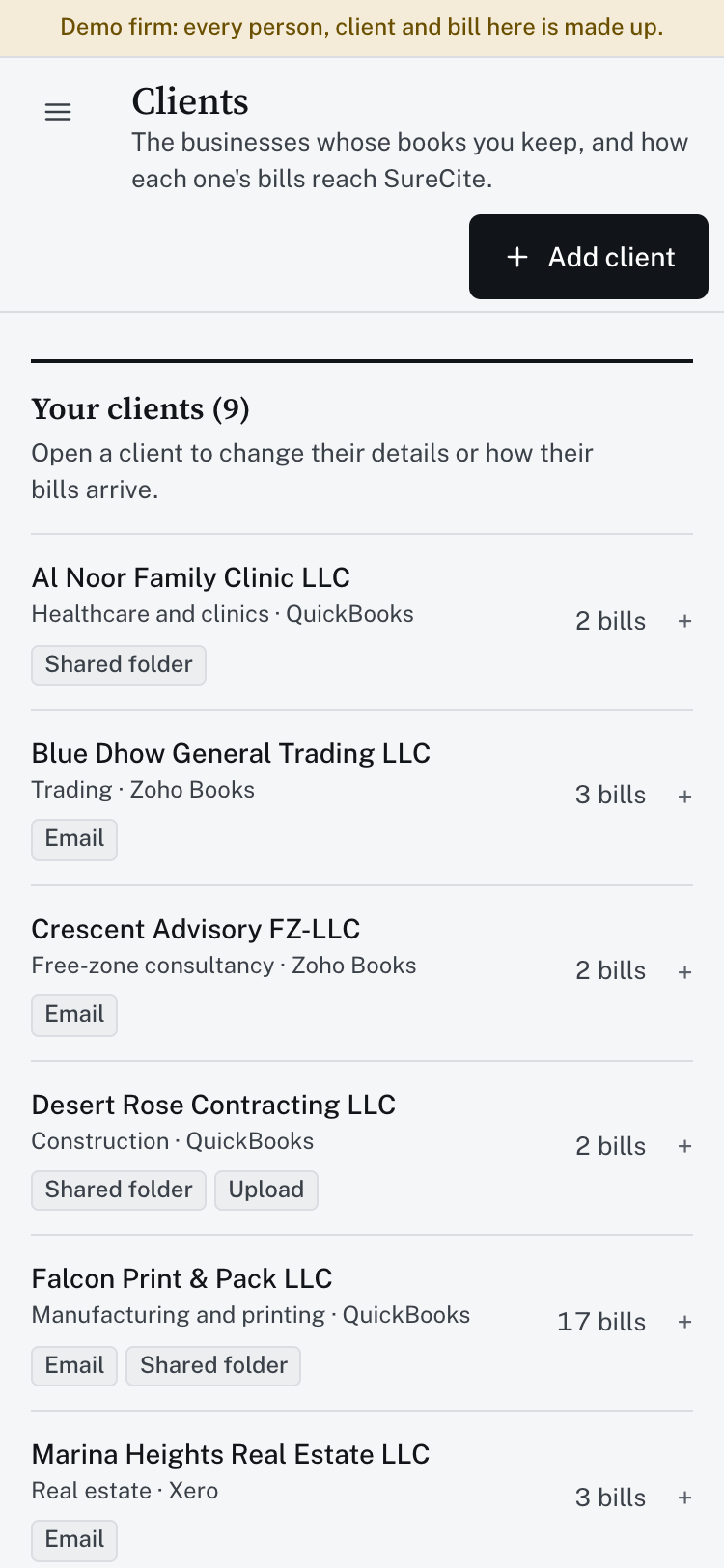
The client register and each client’s details and intake settings.
What it does not do
Adding a client does not post to QuickBooks, send email or establish a tax conclusion.