Your firm
Team and access
Manage the people in the firm and their access.
Help for firms using SureCite · updated 9 November 2026 · All help pages
Before you start
Ask the owner or an admin for permission to manage the team.
Steps
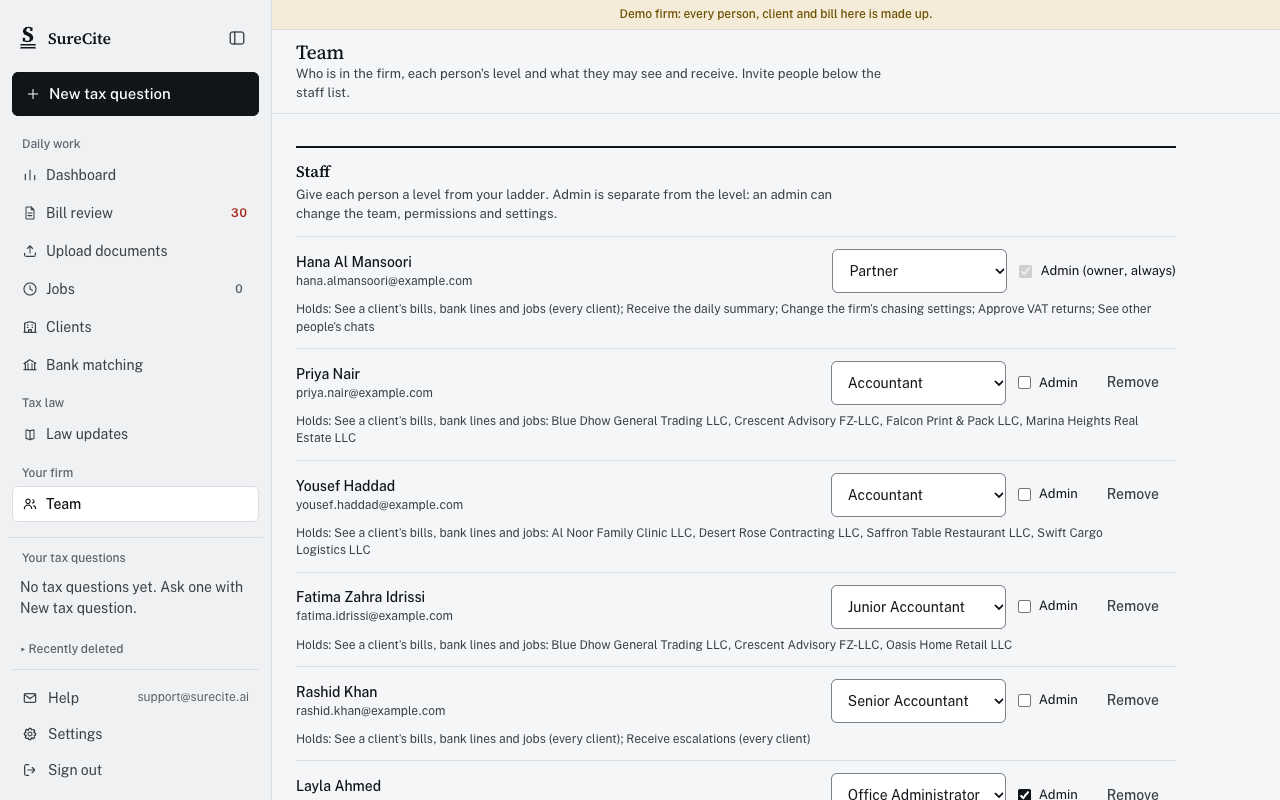
- Open Team and inspect Staff and Your access.
- Under Invite someone, enter Name, Email and Level for the invited person, then choose Invite. Tell the person to sign in with that email yourself.
- Review Permissions and Your levels when deciding what each person may do.
What you will see
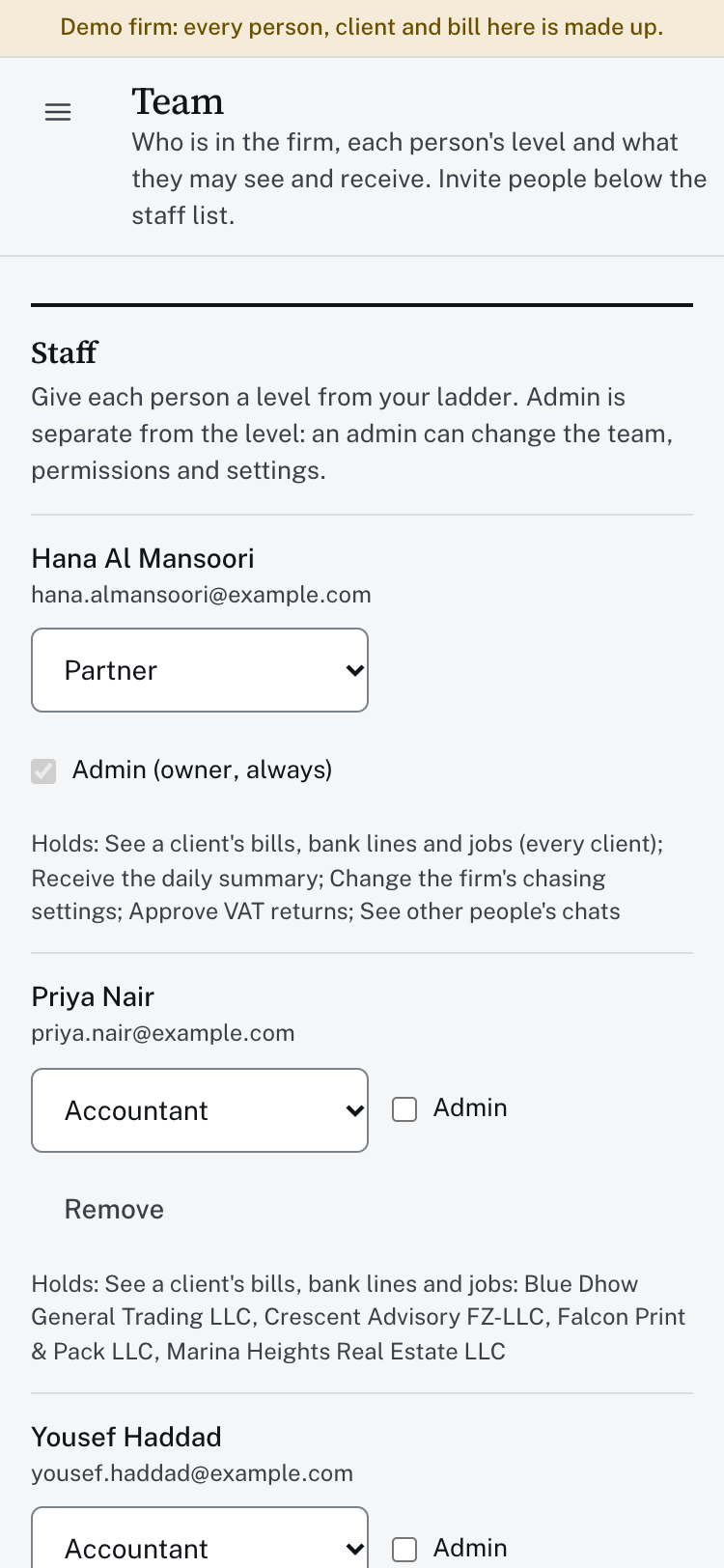
Staff, pending invitations, access rules and a history of changes.
What it does not do
Inviting does not send an email. Changing access does not post to QuickBooks or provide tax advice.