Your firm
Jobs and the dashboard
Find the work that needs a person and inspect who owns it and when it is due.
Help for firms using SureCite · updated 9 November 2026 · All help pages
Before you start
Sign in to your firm; the work you can see depends on your access.
Steps
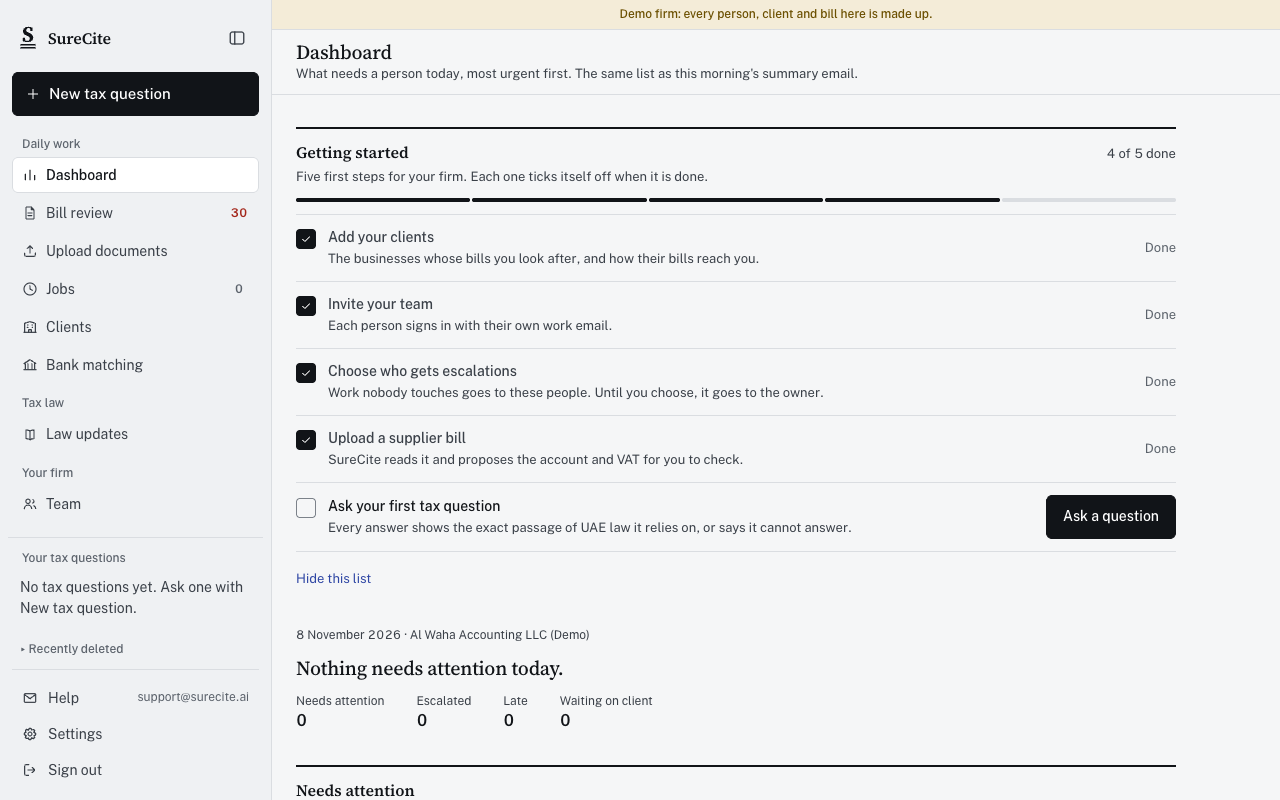
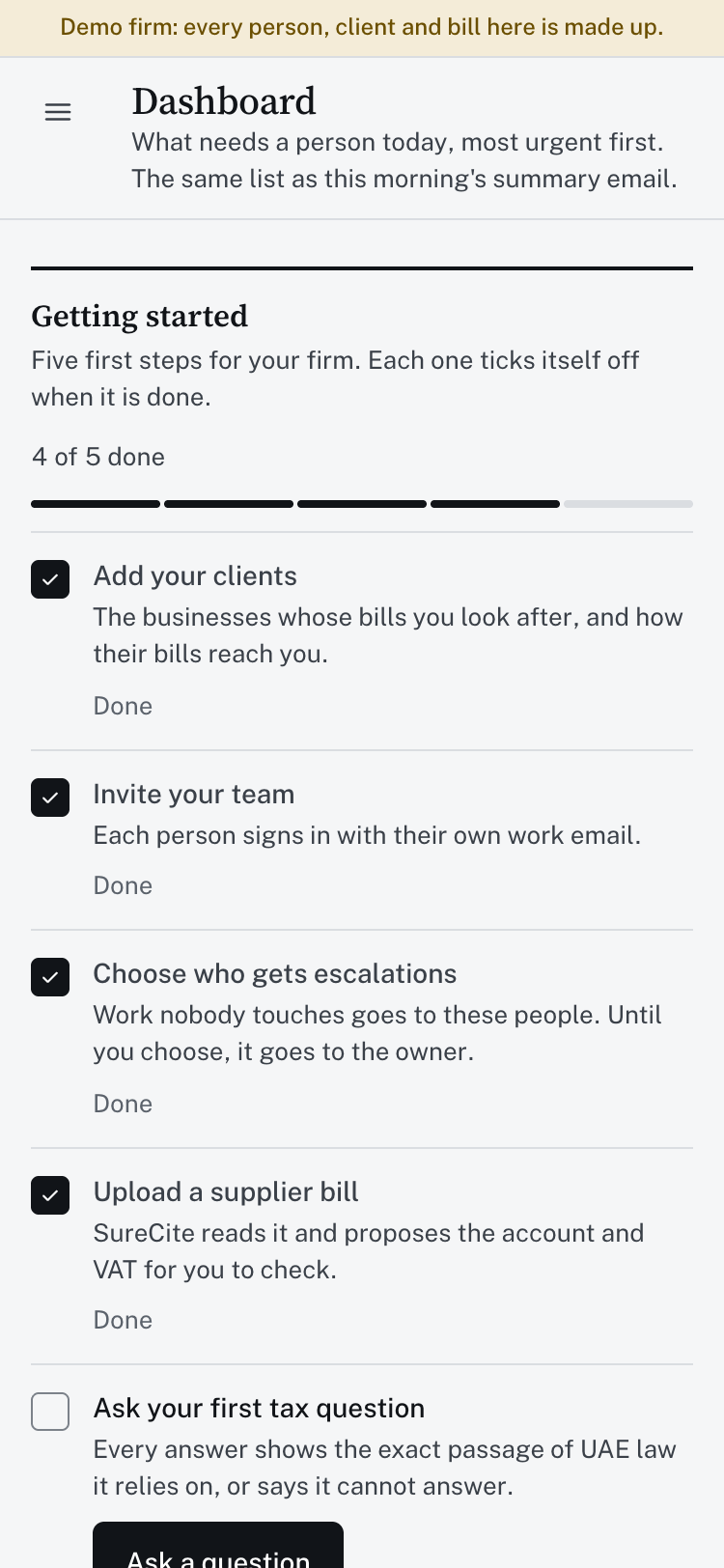
- Open Dashboard to see what needs a person today.
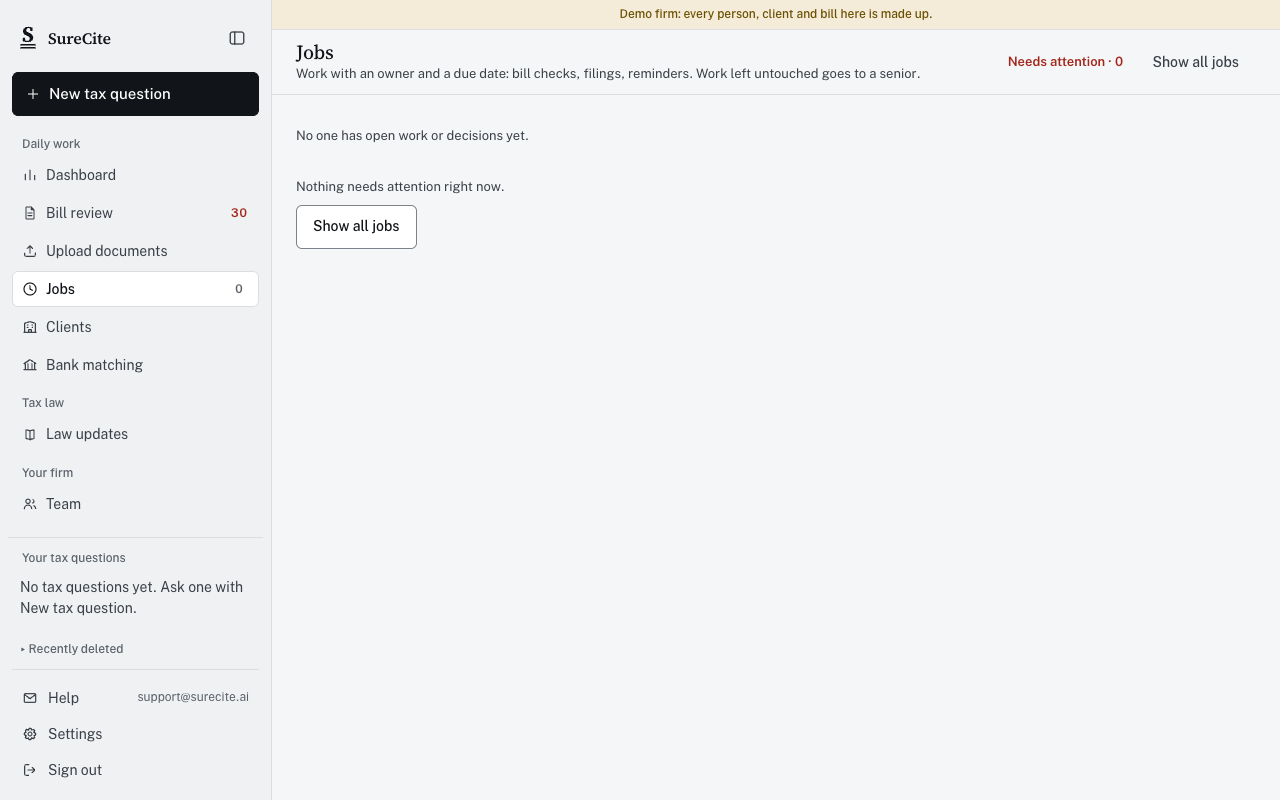
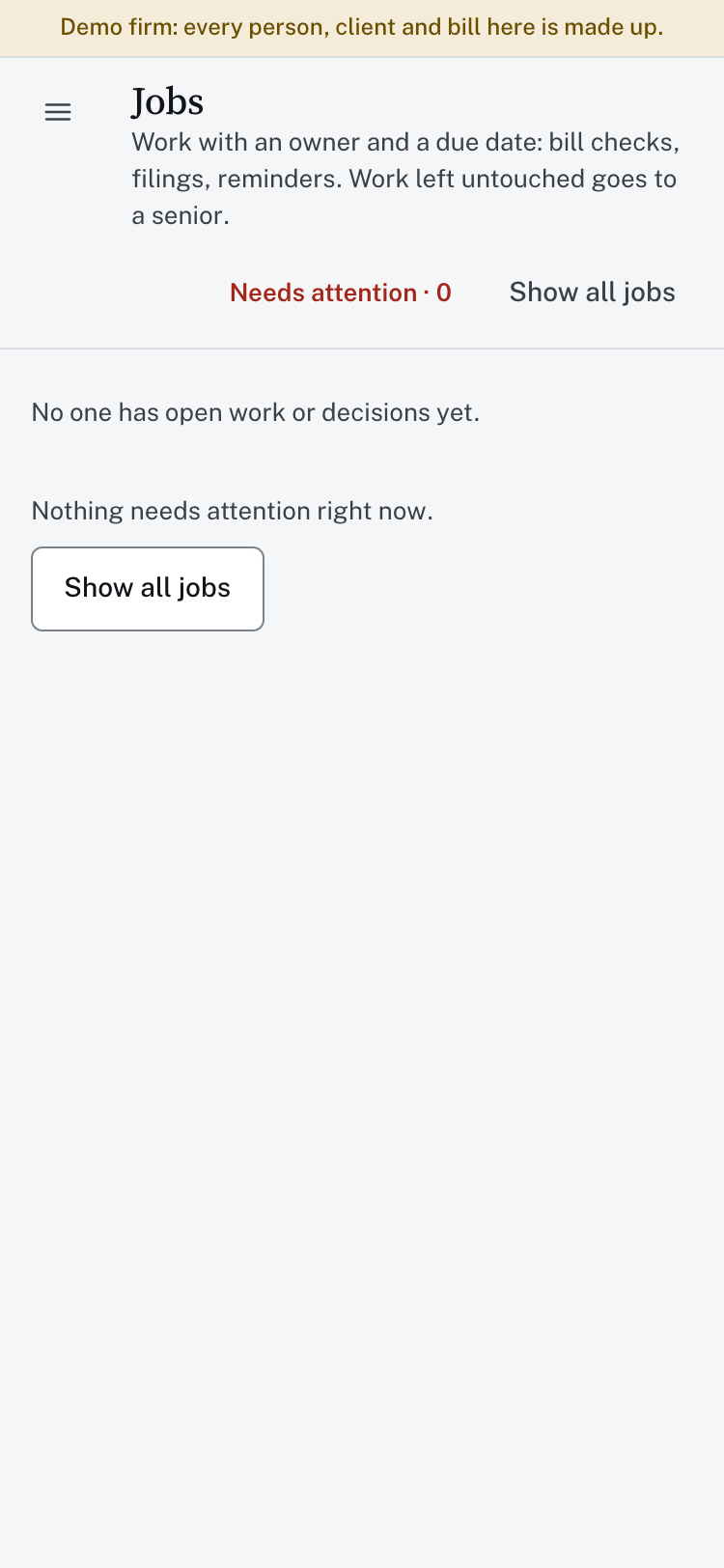
- Open Jobs and select a job to inspect Selected job.
- Review the owner, due date and progress before taking the actions offered for that job.
What you will see
Work with owners and due dates, including items needing attention or escalation.
What it does not do
It does not complete filings, post bills or send client email just because a job is listed. It does not give tax advice.